FloCat
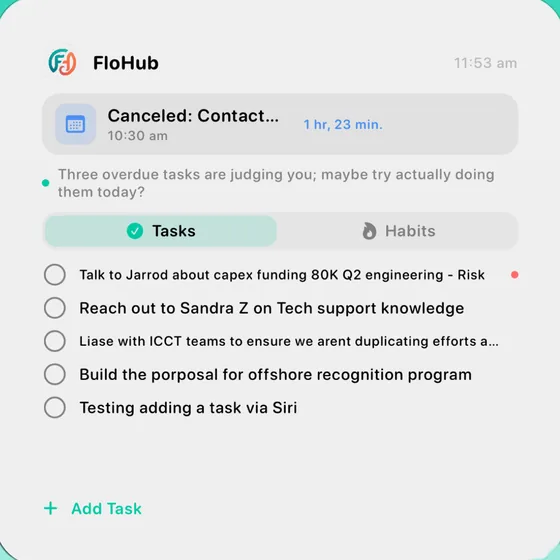
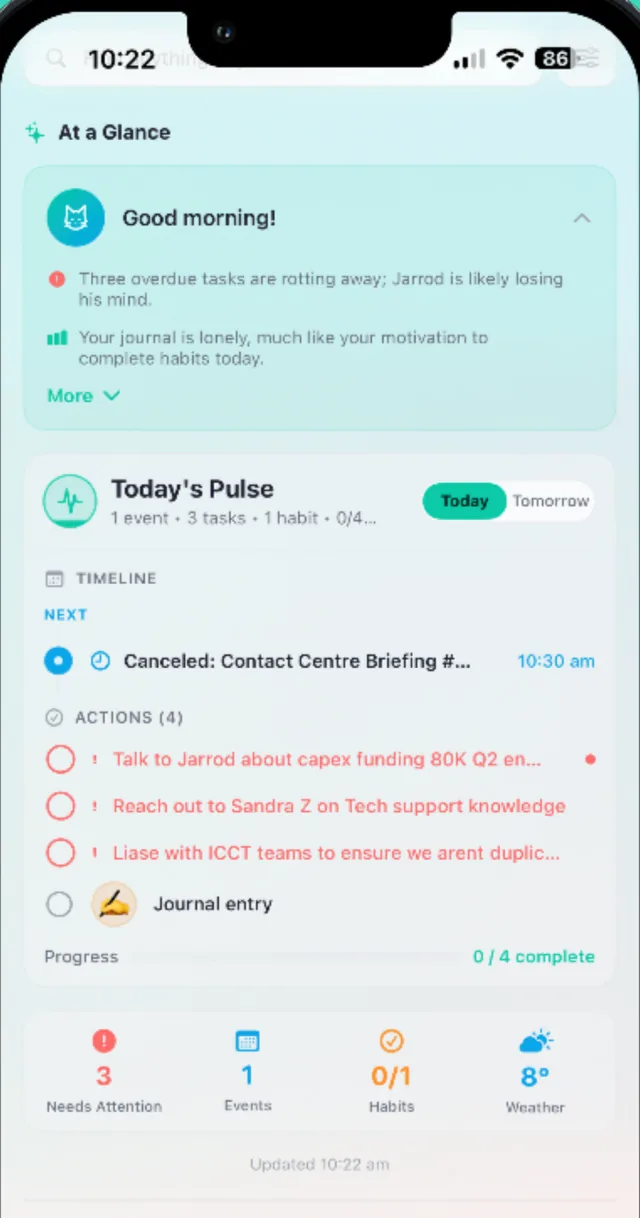
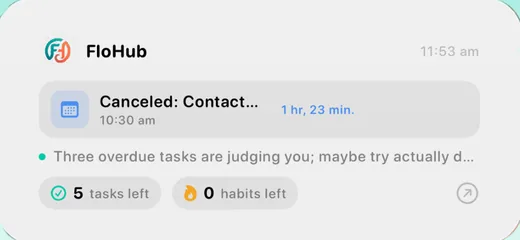
Three overdue tasks are judging you; maybe try actually doing them today?
Morning
Know what matters before your coffee.
FloCat reads your calendar, tasks and habits and gives you a short, honest briefing — right on your Home Screen.
Plan your day, sync every calendar, build habits and journal — all in one app. FloCat, your AI sidekick, tells you what matters today, and Your Story turns your weeks into chapters worth looking back on.

You start the day flicking between a to-do app, your calendar and your notes — before you've done a single thing.
ChatGPT doesn't know your meetings. Siri doesn't know your deadlines. You re-explain your context every single time.
Streak pressure turns self-improvement into guilt. The app gets deleted; the habit never sticks.
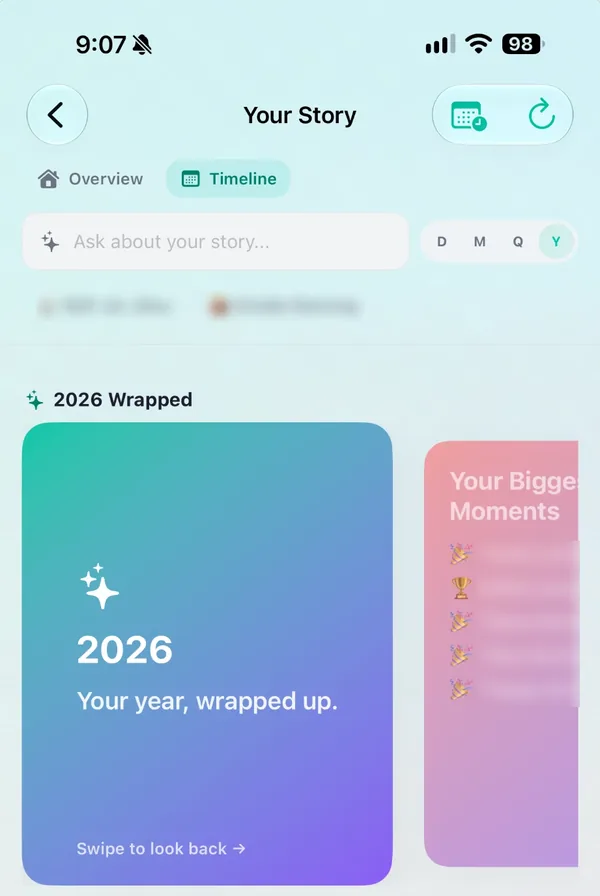
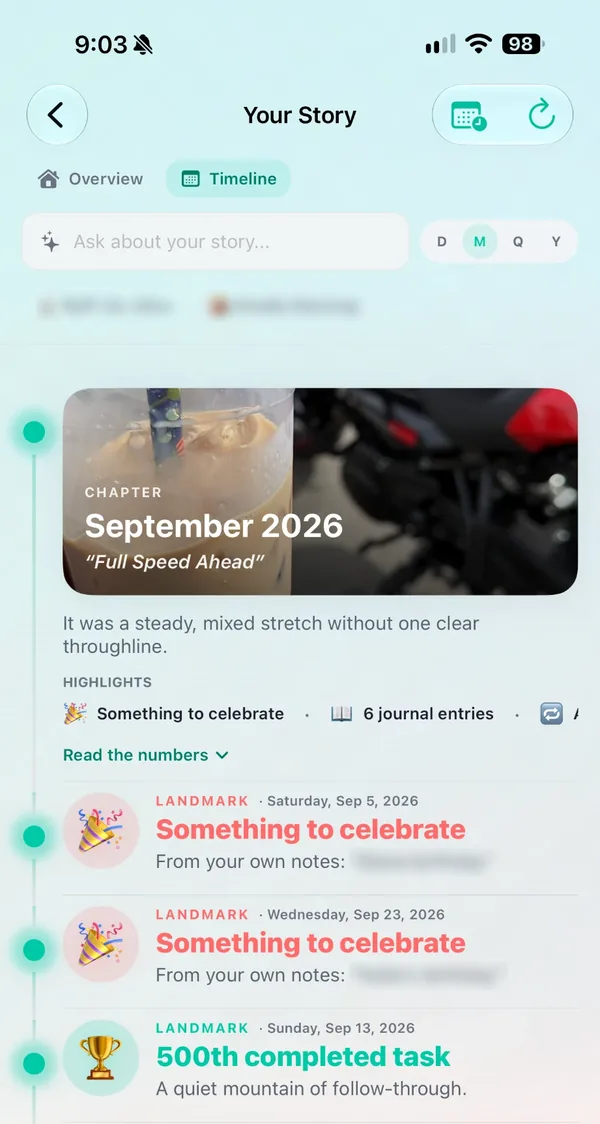
Other planners forget yesterday. FloCat quietly turns your tasks, habits and journal into chapters — so you can see how far you've come, not just what's left to do.

A clear plan in the morning, effortless capture in between, and a gentle close at night.
FloCat reads your calendar, tasks and habits and gives you a short, honest briefing — right on your Home Screen.
Type it, say it or snap a photo. FloCat sorts the mess into tasks, events and notes — dates included.
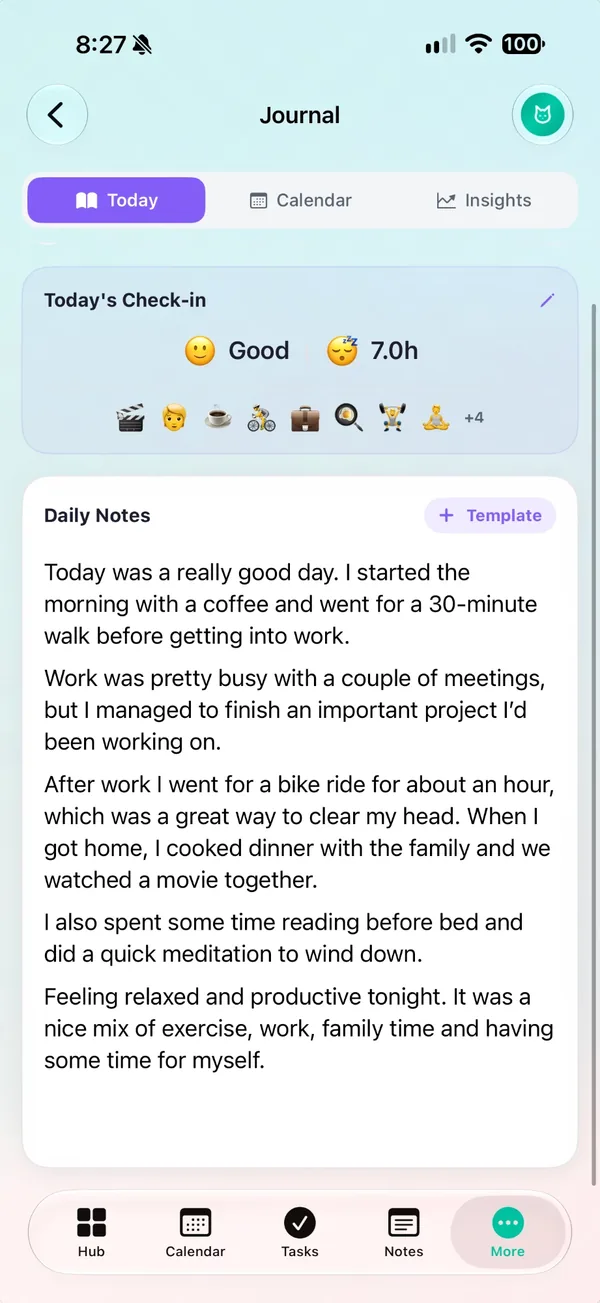
Check in with your mood, jot a few lines, and FloCat tags what you did. Sleep comes straight from Apple Health or Health Connect.
Connect Gmail and Outlook calendars, add any iCal link — iCloud, work rosters, school terms, sport fixtures — and see it all next to your tasks. The iPhone and Android apps bring your phone's calendars along too.
 FloHub
Turn off what you don't use, arrange what you do, and choose how FloCat talks to you.
Morning! You've got a meeting at 10:30 and three tasks waiting. Want to knock out the quick one first?
Friendly, with a touch of cat. Pick a style in Settings, or add your own keywords — sarcastic, serious, enthusiastic…
Drag widgets around your Hub until it matches how your brain works.
Hide anything you don't need and reorder the rest. Just want tasks and a journal? Done.
Different tabs and calendars for work hours and home time, switching on your schedule.
Every part of FloHub knows about every other part — so your tasks, calendar and journal finally tell one story.
Same account, synced everywhere. Drag widgets to build the dashboard that suits your brain, and install it like an app on any computer.
Start free on the web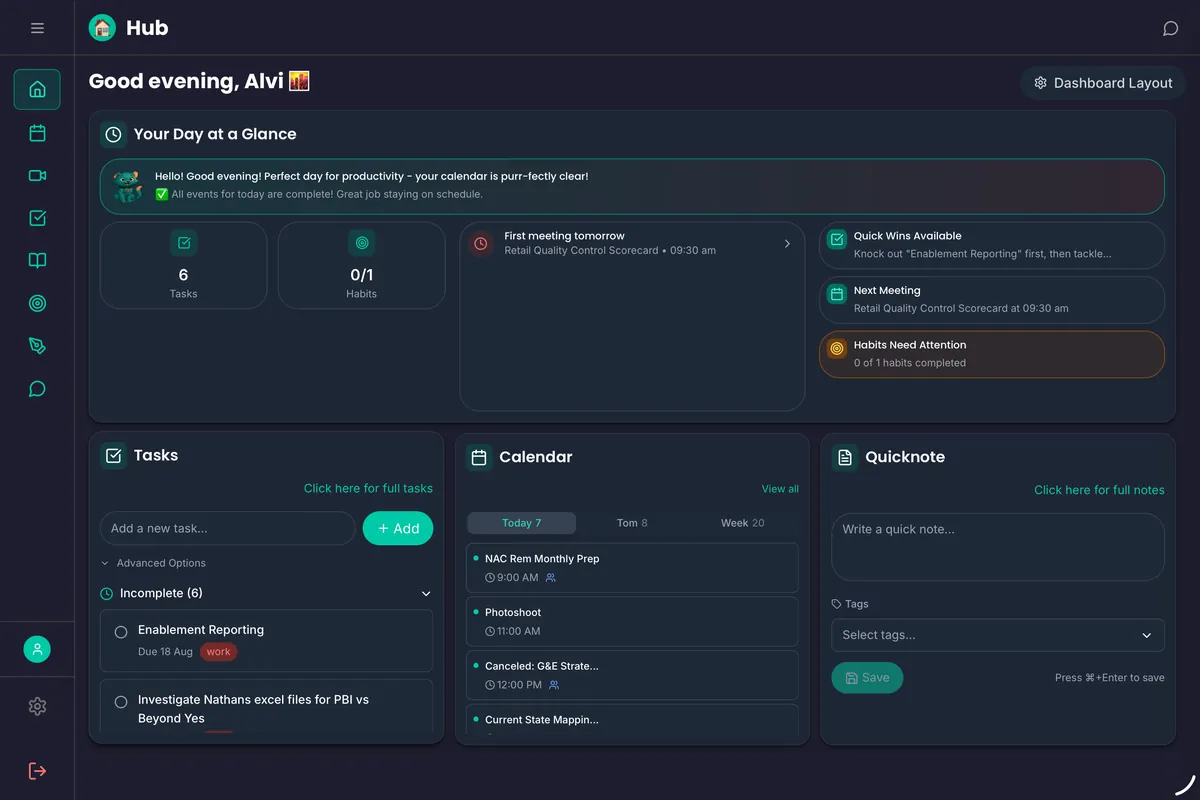
The web dashboard, shown in dark mode
The iPhone and Android apps add everything a browser can't — free to try for 30 days.
Then $3.99 a month or $39.99 a year for the iPhone and Android apps. Prefer the browser? The web app is free forever.
Billed through the App Store or Google Play. Cancel anytime.
FloHub is a calm daily planner that brings your tasks, calendar, habits, notes and journal into one place. FloCat, its AI sidekick, reads your day and tells you what matters, and Your Story turns your weeks and months into chapters you can look back on.
Yes. The web app is free forever with all the core features, and no card is needed. The iPhone and Android apps are a subscription — $3.99 a month or $39.99 a year — and every new subscriber gets a 30-day free trial.
FloCat chat — talk things through with an assistant that already knows your day — plus Your Story (chapters, landmark days and a yearly Wrapped), Home and Lock Screen widgets, push notifications, Siri and shortcuts, share-sheet capture, Face ID or fingerprint lock, sleep and steps in your journal from Apple Health or Health Connect, your phone's calendars and Work Mode. On iPhone you also get Apple Reminders sync and location reminders.
FloCat is FloHub's AI sidekick, powered by Google Gemini. It's built into every part of FloHub: it gives you a morning briefing, sorts quick brain-dumps into tasks, events and notes, and nudges you with a little personality. In the iPhone and Android apps you can also chat with FloCat directly.
Google Calendar, Microsoft Outlook, any iCal feed and Power Automate. On iPhone and Android the apps can also read your device calendars.
Your data is encrypted in transit and at rest, and we never sell it. You can lock your journal with a PIN on the web, or with Face ID or your fingerprint in the apps, and you can delete your account and data at any time.
More in the full FAQ.
Try the iPhone or Android app free for 30 days, or start on the web — free forever, no card needed.